


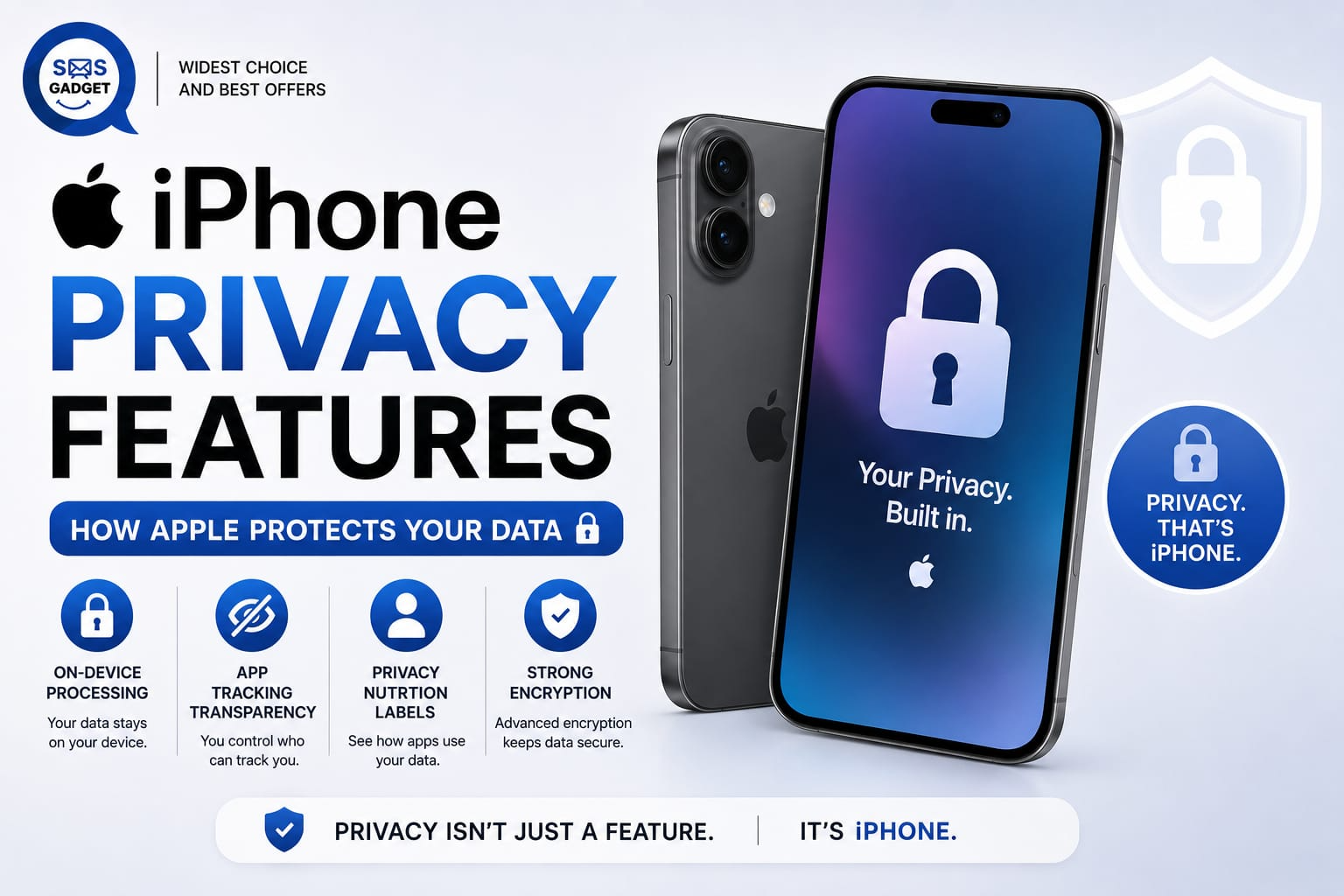
Data breaches make headlines almost weekly. Apps quietly track your location and your browsing habits, and even what you say near your phone gets scrutinized for how it might be monetized. In that environment, “privacy” has become one of the most searched-for features in any device, not an afterthought but a real purchasing criterion.
The iPhone’s approach to privacy isn’t a single toggle you switch on. It’s built into the hardware itself, layered through the operating system, and reinforced by dozens of individual settings you can configure. This guide walks through how that actually works, the technology underneath, not just a checklist of switches to flip, so you understand not just what to turn on but why it matters.
Apple’s Privacy Philosophy: Privacy by Design
The first principle at Apple is that the company collects only the necessary data and performs most processing on your device rather than transferring it to a server. There is an ulterior motive behind Apple’s principles, as its revenue is derived primarily from hardware and services rather than advertising. The lack of motivation for data collection can make it a positive aspect for Apple’s users. However, this should be viewed only as a fact rather than a virtuous principle.
The Hardware-Level Protection: Secure Enclave
This is genuinely one of Apple’s strongest differentiators, and it’s rarely explained clearly.
The Secure Enclave is a dedicated, isolated chip built into every modern iPhone, separate from the main processor. Its entire job is protecting your most sensitive data, Face ID and Touch ID information, encryption keys, and your passcode.
Here’s what makes it meaningful: this data is encrypted and processed inside the Secure Enclave itself. It never gets exposed to the main operating system, to apps, or even to Apple’s own servers. Practically, this means that even if malware somehow compromised iOS itself, your biometric data and encryption keys would remain protected in a separate, walled-off hardware layer that malware can’t reach. It’s a hardware guarantee, not just a software promise. If you’re comparing devices before buying, current Latest iPhone Price in Bangladesh listings can help you check which models include the newer Secure Enclave and Neural Engine generations.
On-Device Processing and On-Device AI
Increasingly, tasks that used to require sending your data to a server now happen entirely on your iPhone. Siri requests, Photos’ natural-language search (“find photos from the beach”), and predictive keyboard suggestions increasingly run through on-device processing rather than the cloud.
This is enabled by the Neural Engine, a dedicated chip component designed specifically for machine learning tasks. Because the Neural Engine can handle AI-style computation locally, Apple can offer smart features without your personal data leaving your device for basic operations. Note this isn’t universal; some more demanding requests still route to Apple’s servers (or, as of 2026, an optional third-party backend with your permission), but the default has shifted meaningfully toward local processing over the past several years.
Biometric Security: Face ID and Touch ID
How Face ID Data Is Stored and Protected
When you set up Face ID, your iPhone creates a mathematical representation of your face using infrared sensors, not an actual photo. That mathematical data is encrypted and stored exclusively within the Secure Enclave.
Why Biometric Data Never Leaves Your Device?
This data is never uploaded to iCloud, never transmitted to Apple, and never accessible to apps you install. When an app asks to use Face ID for authentication, it doesn’t actually receive your facial data, it just receives a yes/no confirmation from the Secure Enclave. The same applies to Touch ID fingerprint data.
Communication Privacy: End-to-End Encryption
iMessage and FaceTime Encryption Explained
Messages sent through iMessage (blue bubbles) and FaceTime calls are protected by end-to-end encryption by default.
What End-to-End Encryption Actually Means (Even Apple Can’t Read It)?
This phrase gets used casually, but it has a precise meaning worth spelling out: your message is encrypted on your device before it’s sent, and only the recipient’s device holds the key to decrypt it. Apple’s servers relay the encrypted data but never possess the key needed to read it. In practical terms, Apple genuinely cannot read the content of your iMessages or listen to your FaceTime calls, even if legally compelled to hand over server data, because the readable content was never on those servers to begin with. (This protection doesn’t extend to green-bubble SMS/RCS texts to non-Apple devices, which use different, less protected standards.)
App Tracking Transparency (ATT)
App Tracking Transparency requires apps to explicitly ask your permission before tracking your activity across other companies’ apps and websites for advertising purposes. You’ll recognize the prompt: “Allow [App] to track your activity across other companies’ apps and websites?”
Here’s an honest nuance worth including: ATT stops apps from accessing your device’s advertising identifier without permission, but it doesn’t stop every possible form of tracking. Studies have repeatedly found that a large share of apps still attempt various tracking techniques even after users decline the prompt, using methods like fingerprinting that don’t rely on the identifier ATT restricts. ATT is a real and meaningful protection — but it’s not a complete tracking shield, and it’s worth understanding that limitation rather than assuming it solves everything.
To manage it: Settings > Privacy & Security > Tracking, where you can see which apps have permission and revoke access for any app at any time.
Safari Privacy Protections
● Intelligent Tracking Prevention
Safari uses on-device machine learning to identify and limit cross-site trackers without sending your browsing data to Apple to do it.
● Private Browsing and Hide My Email
Private Browsing tabs don’t save history and can be further locked with Face ID. Hide My Email generates disposable, forwarding email addresses so you can sign up for services without revealing your real address.
● Mail Privacy Protection
This feature blocks senders from using invisible tracking pixels to determine if and when you’ve opened an email and also masks your IP address so it can’t be used to infer your location or link to other activity.
iCloud and Advanced Data Protection
Standard iCloud backups are encrypted, but Apple holds the encryption keys for most data categories—meaning Apple technically could access certain iCloud data if legally required to.
Advanced Data Protection is an optional, opt-in setting that extends end-to-end encryption to most iCloud data categories, including backups, Notes, and Photos. With it enabled, Apple itself no longer holds the keys — only your trusted devices do.
The trade-off: if you lose access to all your trusted devices and don’t have your recovery key or a recovery contact set up, Apple cannot help you recover that data. It’s a genuine security-versus-convenience decision, not a strictly “more is better” setting.
To enable it: Settings > [your name] > iCloud > Advanced Data Protection.
App Permissions and the Privacy Dashboard
Settings > Privacy & Security is where per-app access to Camera, Microphone, Location, Contacts, Photos, and more is controlled individually. Each category shows exactly which apps currently have access, letting you revoke anything that looks unnecessary.
The App Privacy Report (found in the same section) goes a step further, showing how often each app has actually accessed sensors and data over the past week, plus which third-party domains apps have contacted, a genuinely useful tool for spotting apps that request far more access than their function seems to require.
Location Privacy Controls
iPhone offers granular control over location sharing:
- Precise vs. Approximate location—you can grant an app your general area (roughly a 25 km radius) instead of your exact position.
- “While Using,” “Never,” or “Ask Next “Time”—controls whether an app can access location only when open, never, or requires re-confirmation periodically.
- Significant Locations — a system feature that learns places you frequent to improve suggestions like traffic predictions; this data stays encrypted on-device and can be disabled entirely in Settings > Privacy & Security > Location Services > System Services.
Stolen Device Protection and Physical Security
Stolen Device Protection adds an extra security layer specifically for scenarios where someone has your unlocked phone and passcode but isn’t you. When enabled, sensitive actions, like changing your Apple ID password or viewing saved passwords, require Face ID or Touch ID even if the correct passcode is entered, and some actions impose a security delay if you’re away from familiar locations like home or work.
This feature isn’t available on every iPhone generation, so if physical-theft protection is a priority for you, it’s worth checking which models support it before you buy, a Best iPhone Shopcan usually confirm current-generation compatibility on the spot.
Common Privacy Myths About iPhones — Debunked
“Apple sells my data.” This is false. Apple’s stated business model is built on hardware and services revenue rather than advertising, and the company’s privacy policies explicitly state it does not sell personal data to third parties.
“Siri is always listening and recording everything.” Siri listens locally for its wake phrase using on-device processing, and audio isn’t sent to servers until a request is actually triggered. It’s not continuously recording and transmitting conversations.
“Privacy settings alone make me fully safe.” Not true. Strong device-level privacy protections don’t prevent phishing attempts, social engineering scams, or you personally granting excessive permissions to a shady app. Privacy settings reduce risk significantly, but they don’t eliminate the need for basic caution.
iPhone Privacy vs Android: A Quick Comparison
Both platforms have made real privacy improvements over the years, and the comparison isn’t as one-sided as marketing from either side suggests. Apple’s approach leans more heavily on hardware-level isolation (Secure Enclave) and defaults to on-device processing where possible, with a business model less reliant on advertising revenue. Android’s approach varies more by manufacturer, since Google’s baseline OS coexists with heavy customization from different device makers, some Android phones ship with additional privacy tooling, others with more pre-installed data collection. Google’s core business remains substantially advertising-based, which shapes its overall data practices differently than Apple’s. Neither platform is flawless, and the right one depends partly on which trade-offs matter more to you.
How to Set Up Your iPhone for Maximum Privacy (Quick Checklist)
| Feature | What It Protects | Where to Find It |
| Advanced Data Protection | End-to-end encrypts iCloud backups, Notes, Photos | Settings > [Name] > iCloud |
| App Tracking Transparency | Cross-app/website tracking | Settings > Privacy & Security > Tracking |
| App Privacy Report | Visibility into actual app data access | Settings > Privacy & Security > App Privacy Report |
| Precise Location toggle | Exact vs. approximate location sharing | Settings > Privacy & Security > Location Services > [App] |
| Hide My Email | Real email address exposure | Settings > [Name] > iCloud > Hide My Email |
| Mail Privacy Protection | Email open-tracking and IP exposure | Settings > Apps > Mail > Privacy Protection |
| Stolen Device Protection | Sensitive actions if phone is stolen | Settings > Face ID & Passcode |
| Intelligent Tracking Prevention | Cross-site browser tracking | Settings > Apps > Safari |
Most Common Questions
Can Apple read my iMessages?
Not at all. The use of end-to-end encryption in iMessages makes it such that only you and the receiver have access to the decryption keys of the content.
Does Face ID data ever leave my iPhone?
Absolutely not. Face ID data is always encrypted and stored in the Secure Enclave alone, and never uploaded to iCloud or sent to Apple or any app.
What is Advanced Data Protection and should I enable it?
It is an additional feature that will encrypt most of the data stored on iCloud and as a result, Apple will no longer have the encryption keys. This is something that most people should turn on, however, you should first make sure you have a recovery contact or a recovery key.
Does Apple track my location?
Apple offers features that use location data (like Significant Locations) to improve on-device suggestions, but this processing happens locally and is encrypted, and you can disable it entirely if you prefer.
Is my iPhone completely private out of the box?
It’s strong by default, but not maximized. Several of the most powerful protections, Advanced Data Protection, Stolen Device Protection, tightened App Privacy settings, require you to actively opt in or configure them.
Conclusion
The iPhone’s privacy protections run deeper than a settings menu, from the Secure Enclave chip isolating your biometric data to end-to-end encrypted messaging to on-device AI processing that keeps more of your personal information off external servers. But strong defaults aren’t the same as maximum protection: features like Advanced Data Protection and Stolen Device Protection require you to turn them on yourself. Take a few minutes today to walk through Settings > Privacy & Security and the checklist above, it’s a small time investment for a meaningful upgrade in how protected your data actually is.
